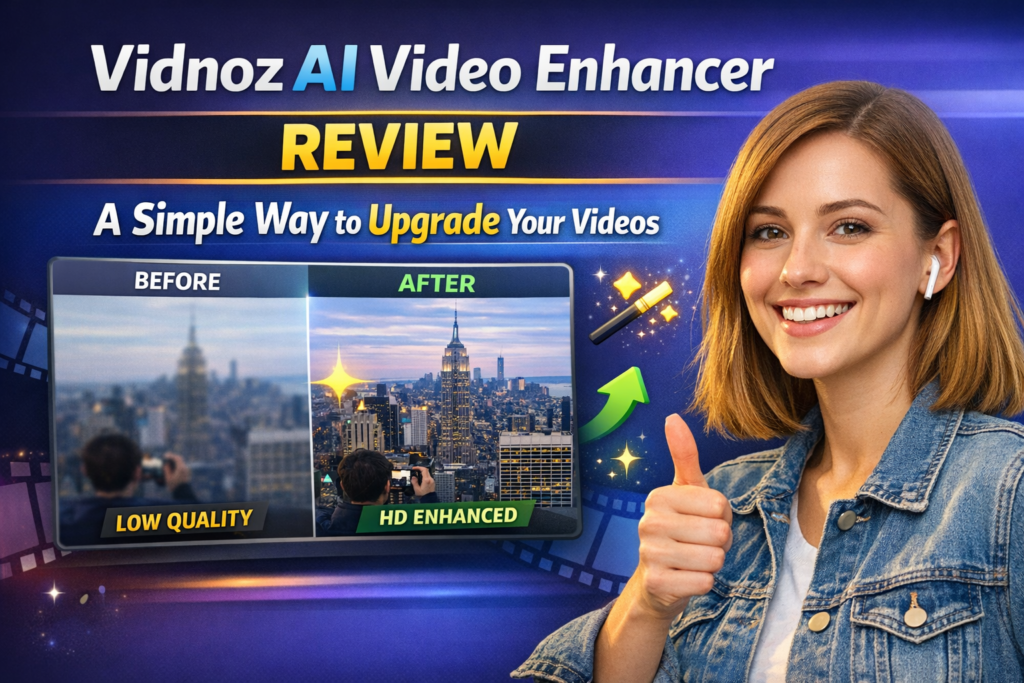

In today’s digital world, high-quality video content is essential for creators, marketers, and businesses. From social media platforms to professional presentations, video plays a key role in capturing attention and delivering messages effectively. However, not everyone has access to advanced editing software or the technical expertise required to produce polished videos. Vidnoz offers an AI-powered solution that makes video enhancement simple, fast, and accessible to everyone. This review explores its features, usability, and overall performance while highlighting why it stands out among similar tools.
What is Vidnoz AI Video Enhancer?
Vidnoz provides a powerful video enhancer free tool that uses artificial intelligence to improve video quality automatically. Instead of spending hours adjusting settings manually, users can rely on AI to handle tasks like enhancing resolution, improving sharpness, correcting brightness, and balancing colors. The process is straightforward—upload your video, let the system process it, and download the enhanced version within minutes.
This simplicity makes Vidnoz particularly appealing for beginners, content creators, and even professionals who want quick results without investing too much time. It eliminates the need for complex editing skills while still delivering noticeable improvements in video quality.
Key Features
One of the most impressive features of Vidnoz is its AI-driven upscaling technology. This feature allows users to enhance video clarity and even upgrade lower-resolution videos to HD or 4K quality. It is especially useful for improving older footage or videos recorded on devices with limited camera capabilities.
Additionally, the tool includes noise reduction and detail restoration. These features help remove unwanted graininess and bring back lost details, making videos appear sharper and more visually appealing. Whether you’re working with personal clips or professional content, these enhancements can significantly improve the final output.
Another major advantage is its browser-based functionality. There is no need to download or install any software, which saves both time and storage space. The interface is clean, intuitive, and easy to navigate, allowing users to enhance videos with just a few clicks. This user-friendly design ensures that even those with no prior editing experience can use the platform comfortably.
Image to Video AI Capability
Vidnoz goes beyond standard video enhancement by offering an image to video AI free tool. This feature allows users to convert static images into dynamic video content. It’s particularly useful for creating slideshows, promotional videos, or engaging social media posts without the need to record actual footage.
For marketers and small business owners, this capability opens up new creative possibilities. Instead of relying solely on video recordings, users can turn product images, graphics, or presentations into visually appealing videos. This not only saves time but also reduces the cost associated with video production.
Performance and User Experience
In terms of performance, Vidnoz delivers reliable and consistent results. The AI processing is relatively fast, and users can see visible improvements in clarity, color accuracy, and overall quality. For standard videos, the enhancement is smooth and effective, making the content look more professional.
However, the final result still depends on the quality of the original footage. Videos with extremely low resolution or heavy distortion may not achieve perfect results. Despite this limitation, the tool performs well for most everyday use cases and provides a practical solution for quick enhancements.
The overall user experience is smooth and efficient. The platform is designed to minimize complexity, allowing users to focus on their content rather than the technical aspects of editing. This balance between simplicity and functionality is one of Vidnoz’s strongest points.
Pros and Cons
Pros:
Easy to use for beginners
No installation required
Fast AI-powered enhancements
Free access to basic features
Additional creative tools available
Cons:
Limited features in the free version
Results may vary with very low-quality videos
Not suitable for advanced professional editing
Read More: 5 Essential Equipment Every Aircraft Mechanic Should Rely On
Final Verdict
Vidnoz AI Video Enhancer stands out as a practical and user-friendly tool for improving video quality. Its AI-driven technology simplifies the entire editing process, making it accessible to users of all skill levels. With features like video upscaling, noise reduction, and image-to-video conversion, it offers great value for content creators and businesses alike.
Overall, it’s an excellent choice for anyone looking to enhance videos quickly without investing in expensive software or spending hours on editing. While it may not replace advanced professional tools, it serves as a reliable and efficient solution for everyday video enhancement needs.